Tools
Image Resizer
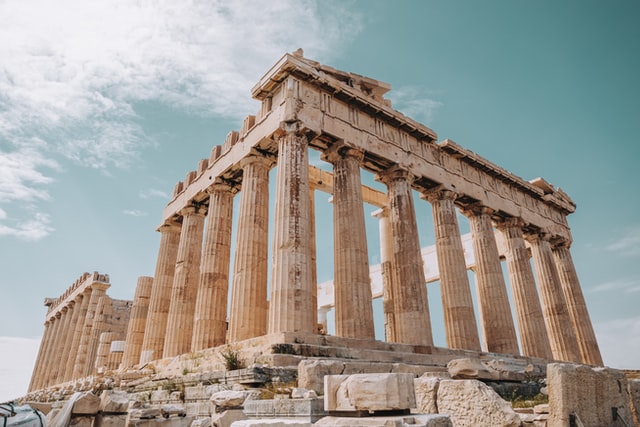
Resize Image
No Change!
Save your image
This is a preview only. Click "Download Image" for the final processed image.
How to Use
- Upload the image you want to resize.
- Enter the new width and height, or a percentage.
- Download the resized image.
Frequently Asked Questions
Can I keep the original aspect ratio while resizing?
Yes, you can lock the aspect ratio so width and height scale together, or unlock it to set them independently.
Does resizing reduce image quality?
Reducing size doesn't lose noticeable quality, but enlarging a small image beyond its original resolution can make it look softer.
Which image formats are supported?
Common formats like PNG, JPG, and WebP are supported.