Tools
Image Converter
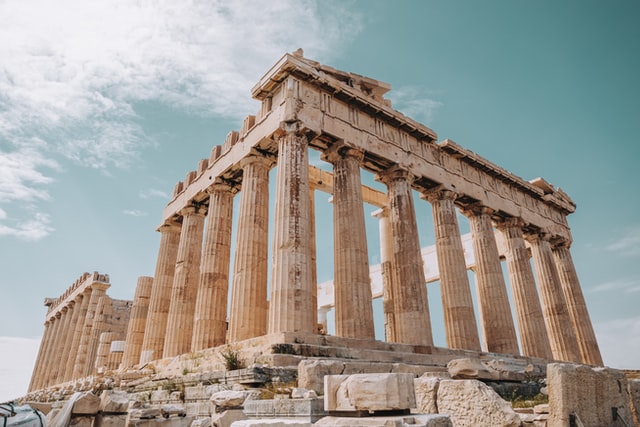
Convert Image
Save your image
This is a preview only. Click "Download Image" for the final processed image.
How to Use
- Upload the image you want to convert.
- Choose the output format (e.g. PNG, JPG, WebP).
- Download the converted image.
Frequently Asked Questions
Which image formats can I convert between?
Common formats like PNG, JPG, WebP, and GIF are supported for both input and output.
Does converting affect image quality?
Converting to a lossy format like JPG can introduce some compression, but converting between lossless formats keeps quality intact.
Does it preserve transparency when converting to PNG or WebP?
Yes, transparency is preserved when converting to formats that support it, like PNG or WebP.